AttendEase
An Android app where lecturers take attendance by tapping students’ NFC cards on their phone. Students see their attendance per module, and lecturers run sessions and export the records as CSV. Everything is stored on the device, so there is no backend or account setup.
What it does
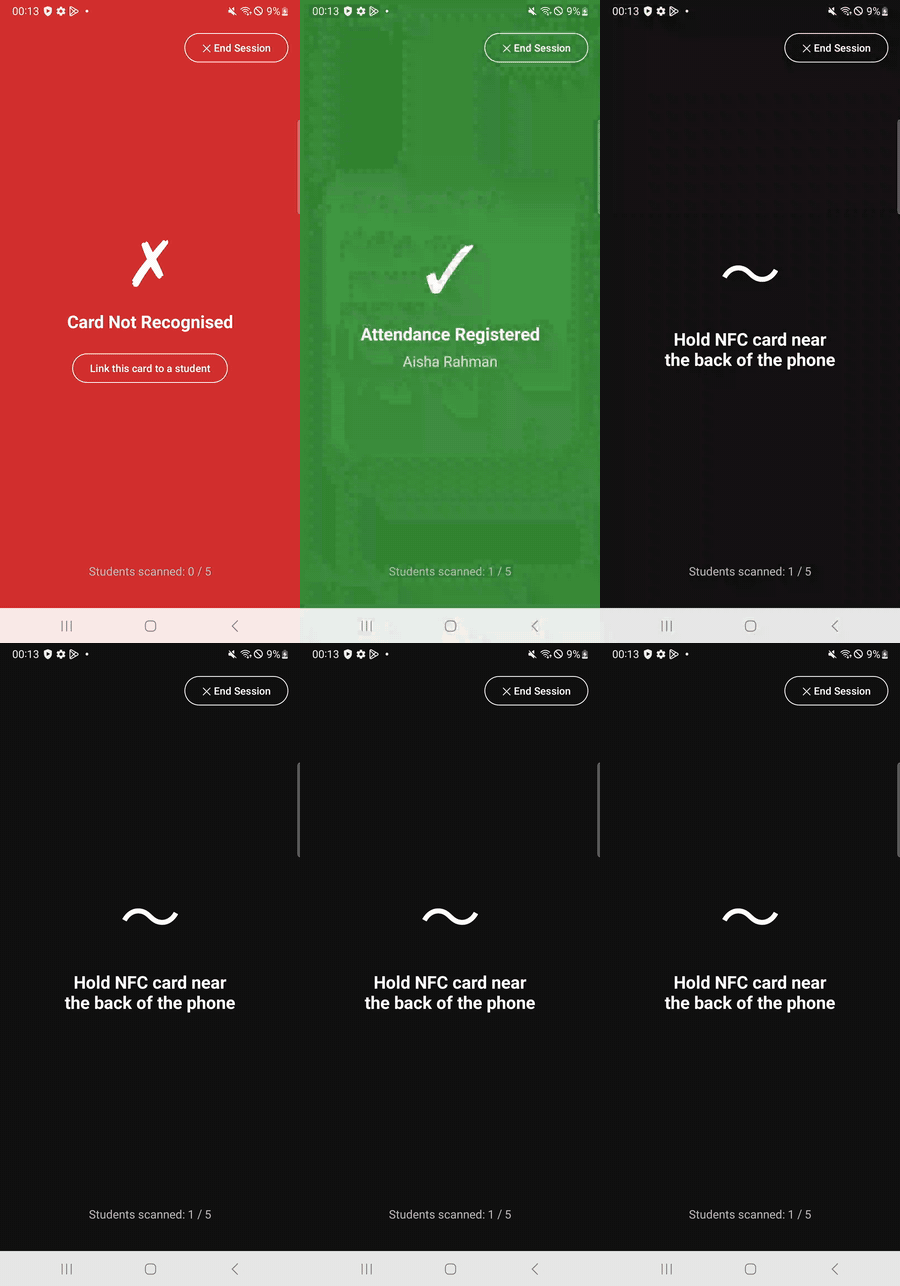
- Scanning. When a lecturer starts a session, a full-screen scanner reads each card’s ID and matches it to a student. The result is meant to be read from across a room: green for registered, amber for already registered, red for an unknown card.
- Linking cards. An unknown card can be linked on the spot to an enrolled student who has no card yet, which also registers their attendance.
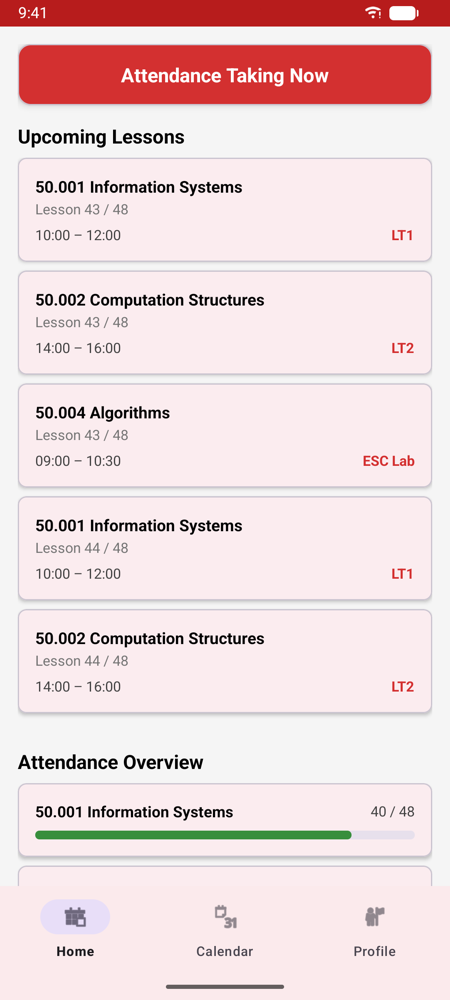
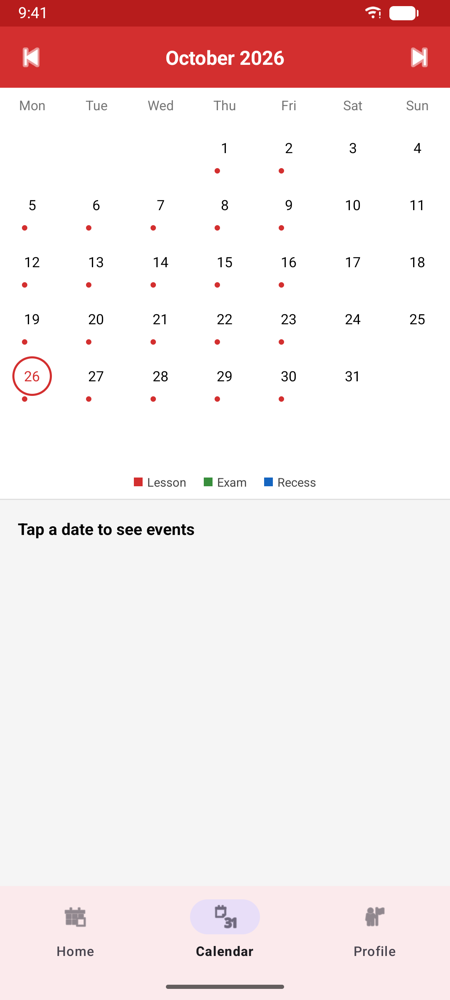
- Students get a live banner while a session is open, a list of upcoming lessons, a month calendar, and attendance per module with a progress bar coloured by how much they have attended.
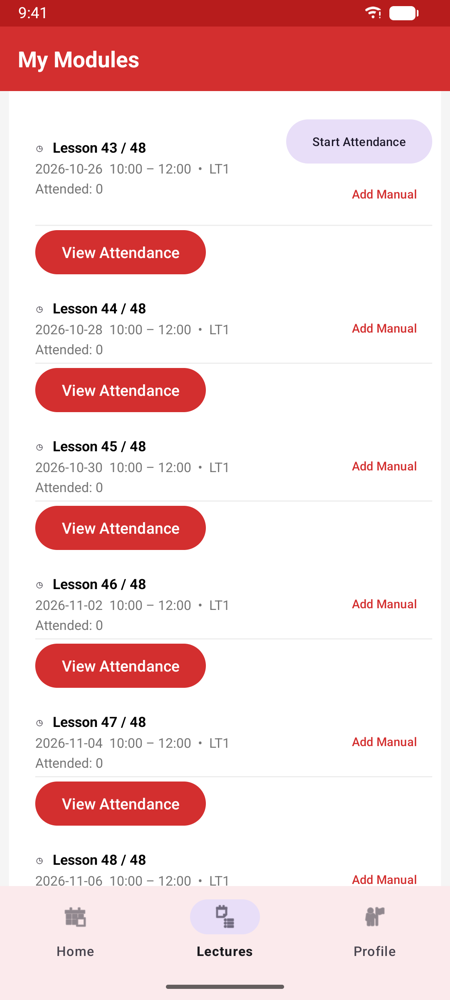
- Lecturers see today’s schedule, start or stop attendance per lesson, add a student by ID, and export a module’s attendance as CSV.
How it is built
- MVVM over Room. Five tables (users, modules, lessons, enrolments and attendance). Fragments observe LiveData from ViewModels and never touch the database directly.
- No polling. The DAOs return LiveData, so when a lecturer opens a session, the banner on the student’s screen appears by itself.
- Testing without NFC. On a phone or emulator without NFC, the scanner shows a Simulate card tap button. Simulated taps run through the same code as real ones.
- Demo data that stays current. The demo timetable is rebuilt around the current date, so there is always a lesson today to try.
Try it
Open the browser demo
and press play. Log in as lecturer 1000001 with password password, open
Lectures, expand 50.001 Information Systems and tap
Start Attendance. The demo can be unavailable near the end of a month if
its free minutes run out.
On an Android phone, install the APK and log in the same way. With an NFC phone you can link any transit or office card to a demo student and tap it.